BeforeAfter
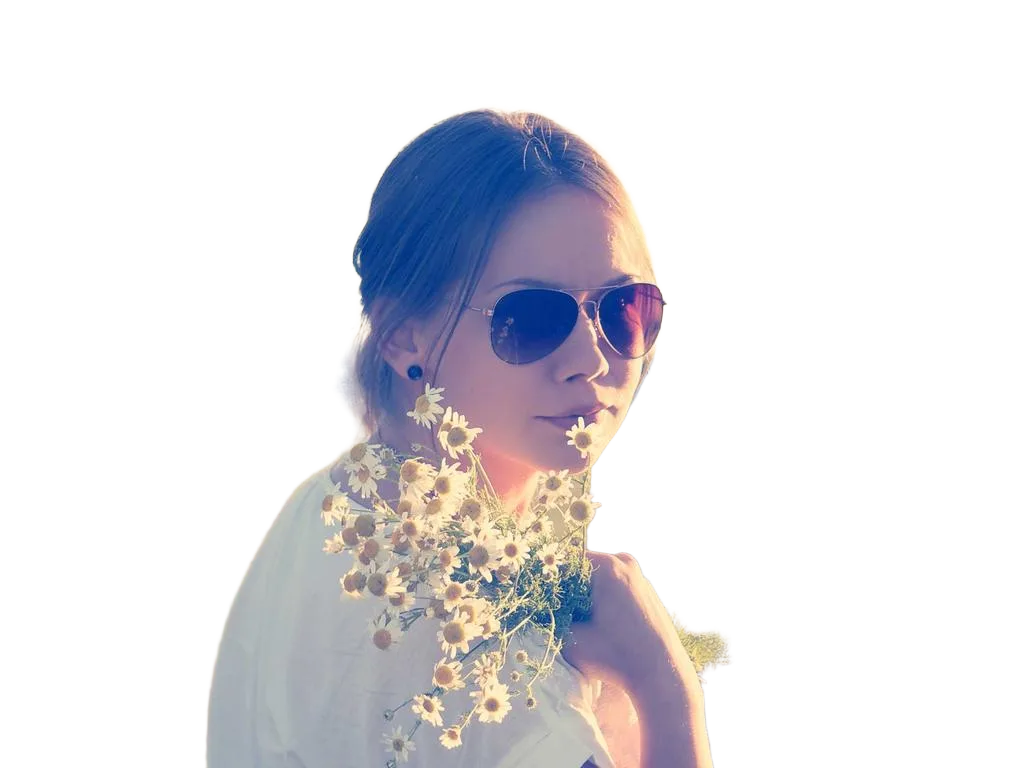
Photo Restoration result
Bring old family photos back to life. AI repairs scratches, tears, and fading — preserve your memories in seconds.
or drop a file
Max file size: 10MB
noImageTryOne
0+
Images Processed
0+
Happy Users
0.0/5
Rating
0%
Free Core Tools
Photo Restoration result
Photo Restoration result
Photo Restoration result
Upload old photo
Supports JPG, PNG, and WebP up to 10MB
AI detects and repairs damage
Powered by Real-ESRGAN super-resolution AI
Download restored photo
Download in 2x or 4x original resolution
Real-ESRGAN, an enhanced super-resolution GAN, reconstructs fine details that were lost to compression or low resolution.
Real-ESRGAN generates realistic textures rather than simply interpolating pixels, producing sharper and more natural results.
Upscaling runs on Workers AI GPUs, handling 2x and 4x upscales in under 10 seconds.
Processing Pipeline
Upload
Your image arrives at the nearest Cloudflare edge node
Pre-process
Image is resized and normalized for the AI model
AI Model
Neural network runs inference in GPU memory
Post-process
Output is refined and encoded to PNG or WebP
Result
Processed image delivered — original deleted within 24h
Advanced features use credits with a generous free daily allowance.
Removes scratches, creases, and physical damage marks.
Recovers faded colors and fixes yellowed tones.
AI fills in missing areas from torn or damaged photos.
Cleans up grain from old film and low-quality scans.
Restore vintage family portraits and ancestral photos.
Preserve wartime photos and service member portraits.
Restore historical photos for museums and publications.
Preserve childhood and special moment photos.
| Feature | bgremoval.net | Topaz Gigapixel | Let's Enhance | Waifu2x |
|---|---|---|---|---|
| Free to use | ($$$) | (paid) | (limited) | |
| No install required | ||||
| AI-powered upscale | ||||
| HD output | ||||
| No watermark | (free tier) | |||
| 20+ tools | ||||
| < 5 sec processing |
Higher input quality always produces better AI results.
Avoid heavy shadows and overexposure for cleaner output.
We support JPG, PNG, and WebP up to 10MB.
Combine background removal, enhancement, and editing for the best end result.
Your images are automatically deleted from our servers within 24 hours.
Anonymous users are not tracked or profiled.
Images are processed on Cloudflare's global edge network.
Most images are processed in under 5 seconds.
Yes — all core tools are 100% free forever. Advanced tools use credits, which you can earn daily or buy anytime.
No account required. Anonymous use is supported with generous daily free limits.
All uploads are automatically deleted within 24 hours and never used for AI training.
Yes — you own every output, with full commercial usage rights included.
JPG, PNG, and WebP up to 10 MB are supported on all tools.
Still have questions? Contact us at support@bgremoval.net
Join millions of users who trust bgremoval.net for fast, free, AI-powered image editing.
Get Started — FreeTrusted by 50,000+ users worldwide • No credit card required