
BG Removal Blog
Short, practical guides to cut-outs: which file format to save, clean white-background product photos, and tricky edges like hair, fur and glass.
Latest guide
Nov 26, 2026
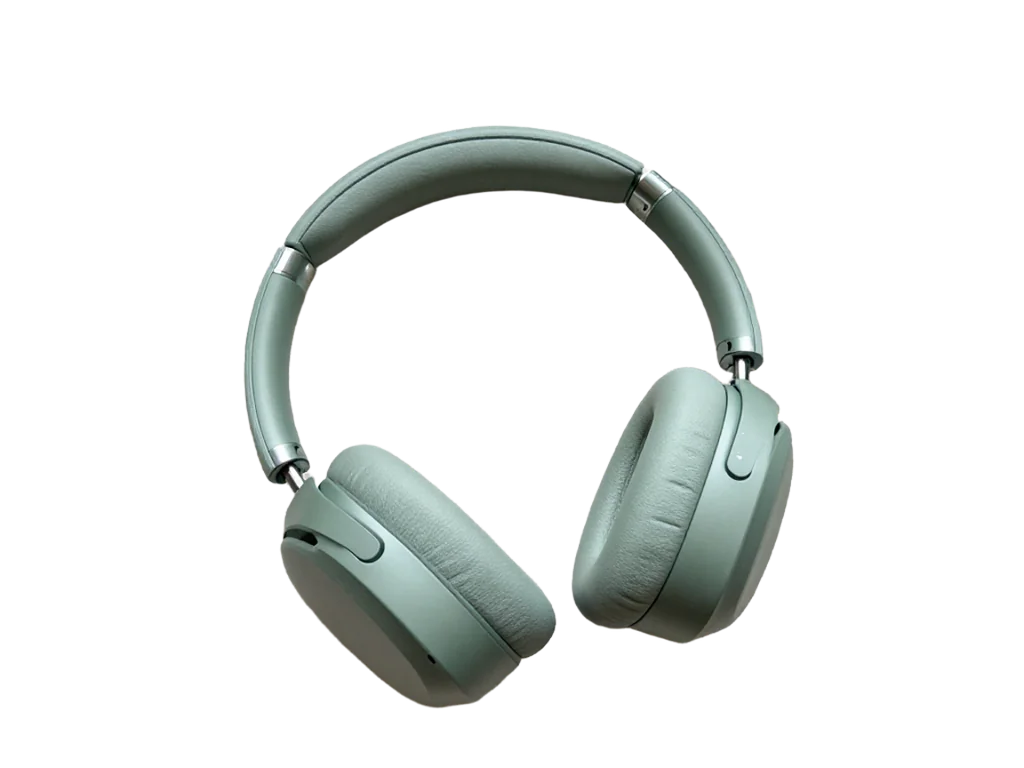
Transparent PNG vs JPG: How to Save a Cut-Out
Why a background-free image must be saved as PNG or WebP, what happens when you save it as JPG, when each format fits, and how to check transparency.
Read the guideBrowse by problem
Latest guides
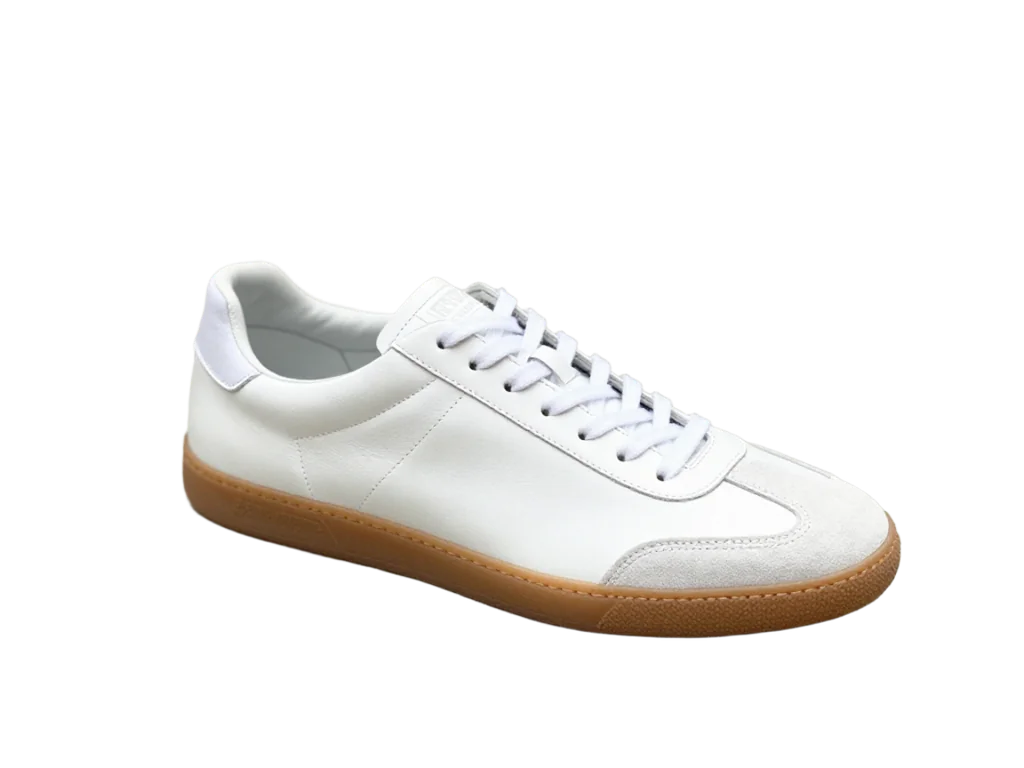
White Background Product Photos for Shops
How to put product photos on pure white or a brand colour: shooting, framing, margins, shadows and file size, with a checklist before you upload.
Nov 26, 2026
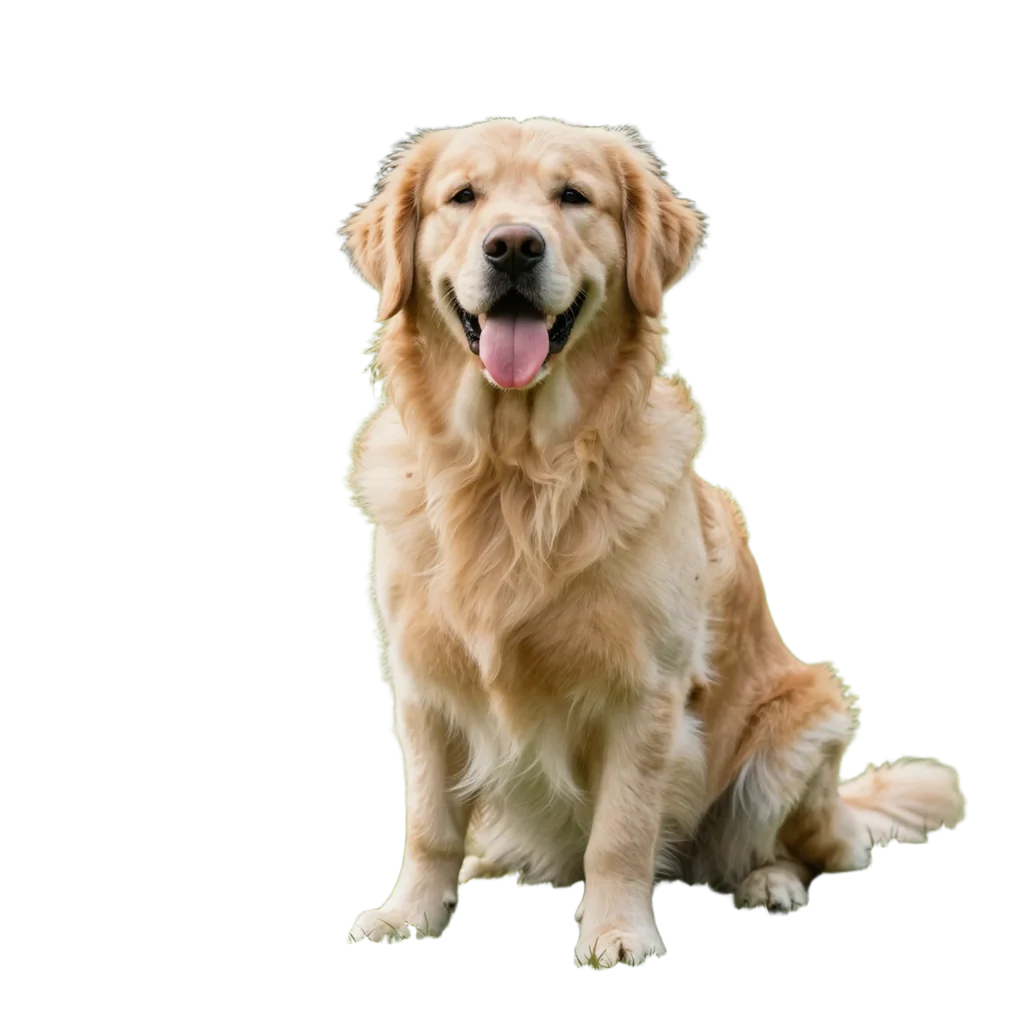
Hair, Fur and Glass: Getting Clean Cut-Outs
Why hair, fur, glass, smoke and low-contrast edges are hard to cut out, when Standard is enough, when HD helps, and how to shoot photos that cut out well.
Nov 26, 2026
Try it on your own image
Drop in a photo and see the credits before you start.